

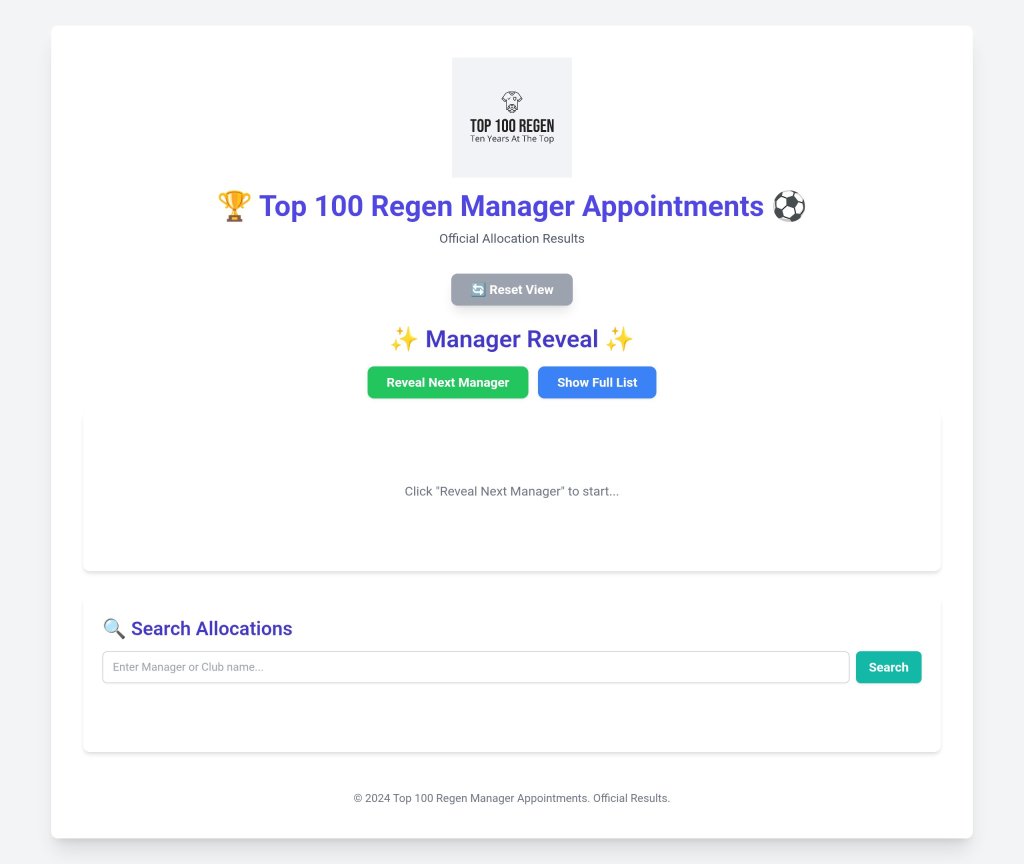
All manager appointments and division allocations can be viewed by clicking here or on the image below.
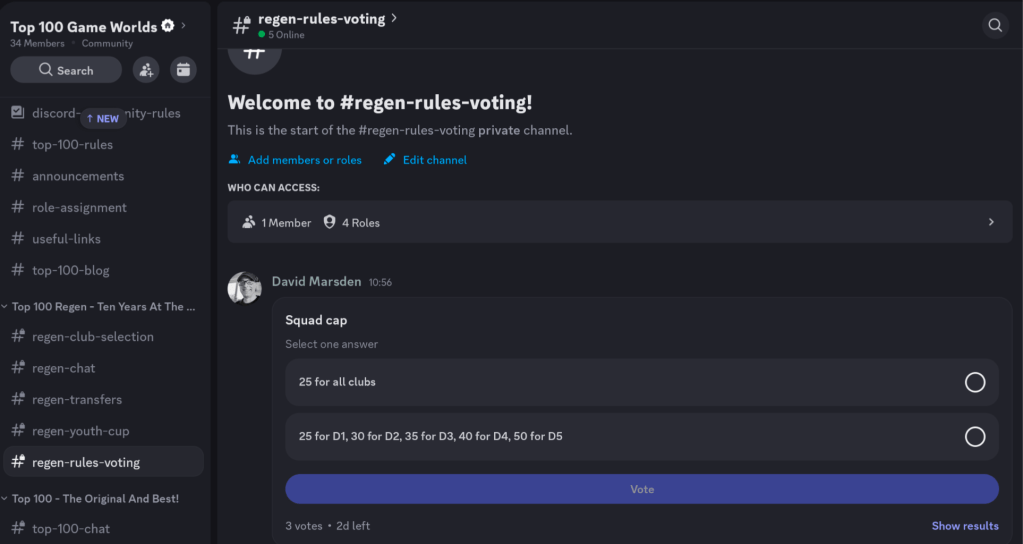
We also need to vote on starting squad cap and transfer rules. All clubs will start with their real life player rosters. Many of the top clubs already have several top class youth talents, and one complaint about Top 100 has always been that the 50 player squad cap is too high. I propose, therefore, a radical 25 player squad cap for D1 clubs, who should still be able to field a competitive senior team AND compete in the Youth Cup. The other divisions could also be a 25 squad cap, or we can have a bigger caps as we go down the divisions, e.g., D2 30, D3 35, D4 40, D5 50.
On starting transfer rules, I propose a block on teams buying from external clubs (including new players) until they are within their squad cap. This will encourage D1 teams to sell to external (and do some internal deals) and give everyone else a chance to compete for the best of the external talent that becomes available to level up.
You can vote on our new Discord server, so please join if you haven’t already.
I plan to create the new game world next week.
Overview: Top 100 Regen Manager Appointments
Welcome to the official breakdown of the manager allocation process. To ensure fairness and create an engaging experience for everyone, two separate applications have been developed: one to perform the allocation itself, and one for everyone to view the final results. This document explains what each app does and, most importantly, the exact logic used to assign managers to clubs.
1. The Main Allocation App (The “Admin Tool”)
-
Purpose: This is the primary tool used by the gw admin to generate the one, official set of manager and club allocations for the season start. Its job is to take the raw data and run the allocation process from start to finish.
-
Key Features:
- Data Input: Allows for uploading the Opta Team Ranking stat and the Manager Status and Team Preferences data.
- Processing: Contains the core logic that performs the allocation.
- Results Generation: Produces the final, canonical list of 100 manager-club pairings, which is then used to create the public-facing “Results Viewer” app.
The Allocation Logic: A Transparent, Step-by-Step Guide
To ensure fairness, the allocation is performed according to a strict set of rules, processed in the following order:
Step 1: Manager Prioritisation Before any assignments are made, all eligible managers are sorted into a priority queue based on their status. This ensures that managers with a higher status get preference in the allocation rounds. The order is:
- Current Top 100/120 managers
- Former Top 100/120 managers
- New managers
Step 2: Preference Allocation Rounds (Status by Status) The app now tries to assign managers based on their stated club preferences, respecting the priority order from Step 1. It processes all “Current” managers first, then all “Former,” and finally all “New” managers.
For each status group (e.g., for all “Current” managers):
-
A. Bidding Round: The system initiates a “bidding round.” In this round, every unassigned manager in the current status group looks at their list of preferred clubs (1st, 2nd, 3rd choice) and “bids” for the one they want most that is still available.
-
B. Resolving Bids:
- No Contest: If a manager is the only one who bids for a particular club in that round, they are immediately assigned that club.
- Tie-Breaking (The Random Element): If multiple managers in the same status group bid for the same club in the same round, a winner is chosen completely at random. This is the key element of randomness that ensures fairness when there are contested clubs. The managers who lost the random tie-break remain unassigned and get to try again in the next round with their next available preference.
-
C. Repeat: The app repeats these bidding rounds until no more managers in the current status group can be assigned a preferred club (either because their preferences are all taken or they have been assigned). The system then moves to the next status group (e.g., from “Current” to “Former”) and repeats the process.
Step 3: Fallback Allocation (For Managers Without a Preferred Club) Any of the 100 managers who could not be assigned a club through the preference rounds are handled next. To ensure they still get the best possible assignment, they are allocated in their original priority order (Current > Former > New) to the highest Opta-ranked club that is still available.
Step 4: Division Assignment Once all 100 managers have been assigned to a club, the system takes these 100 clubs and sorts them strictly by their Opta Rank. They are then grouped into five divisions of 20 clubs each to create the final league structure.
2. The Github App (The “Results Viewer”)
-
Purpose: This is the public-facing app that is linked above on the blog. Its only job is to display the final, official allocation results that were generated by the Main Allocation App. This ensures that every manager and viewer sees the exact same, consistent results.
-
Key Features:
- Pre-loaded Data: The app starts with the final allocation data already embedded. It does not re-run the allocation process.
- Manager Reveal Cards: A fun, one-by-one reveal feature for the livestream, allowing you to announce each manager’s new club individually.
- Search Function: A search bar allowing anyone to quickly find a specific manager or club to see their allocation without having to go through all 100 reveals.
- Full Sorted List: A complete table of all 100 allocations, neatly organized by division and then by club rank.
- Theme & Branding: The app is styled with the official Top 100 logo and includes a theme tune that plays during the reveals to enhance the experience.
If you’re name is not on the full list then I’m sorry that you haven’t been chosen on this occasion. We had 120 managers for 100 clubs. However, you will be on my standby list of managers to step in to replace managers who drop out, or don’t take their club, or who quit later on. Make sure you are registered on the Top 100 Game Worlds Discord community server or on our FB or WhatsApp channels.
I hope to create the game world next week.


 Top 100
Leave a comment